Skip to content

Sell or trade in Vancouver

Ready to
move on?

Sell your phone, tablet or laptop, or put it towards your next device. Send us a few details and our team will contact you to talk through your options.

Start my enquiry

Three Vancouver stores · Open 7 days

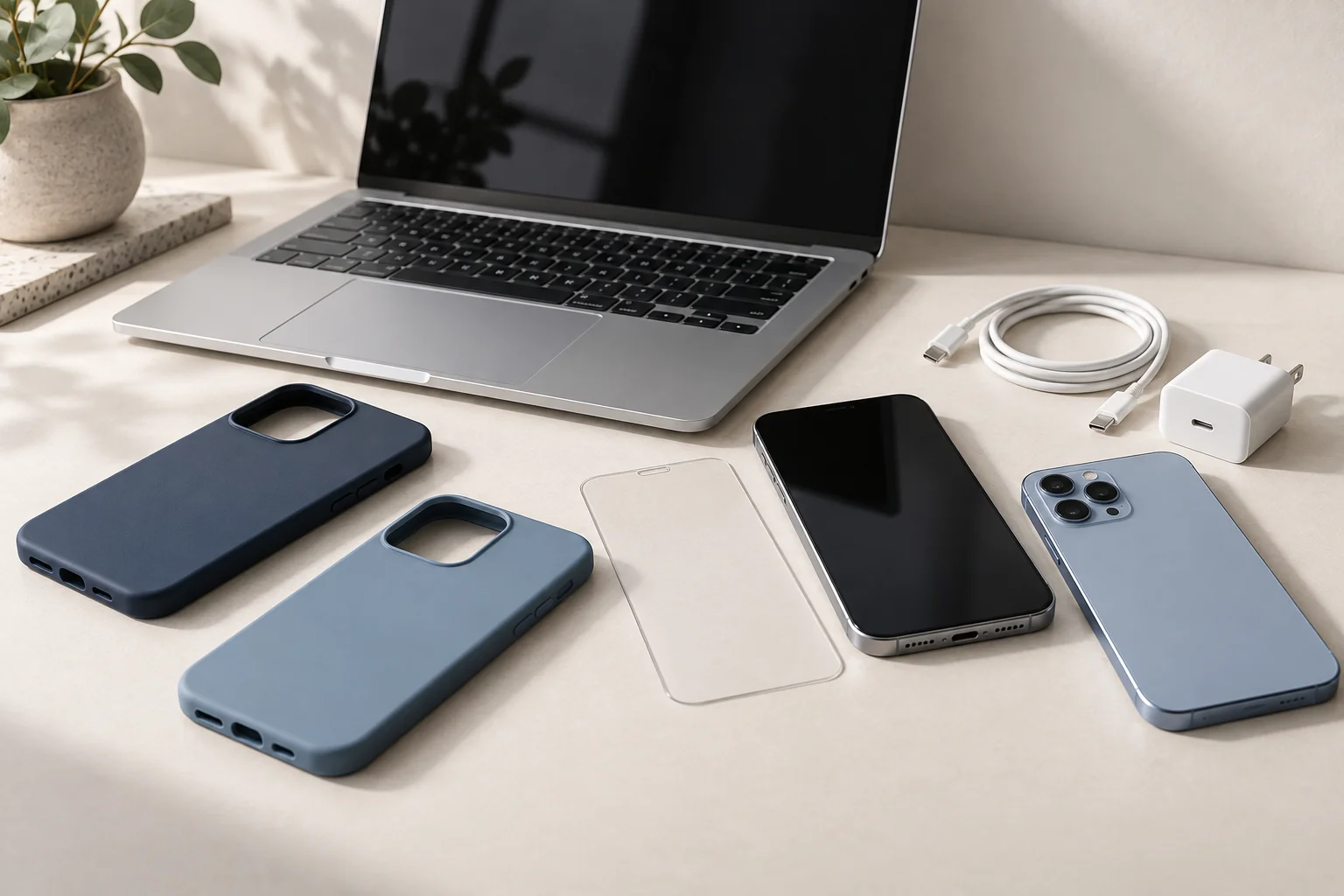
Illustration of phones and a laptop on a desk
Unsure whether to sell or trade?Choose “Help me decide” and we’ll explain your options.
  1. 01
    Tell us about it

    Model, condition and optional photos.

  2. 02
    Phone pre-test

    Optional checks in your browser, no app needed.

  3. 03
    Talk it through

    Our team reviews it and contacts you.

01 Your device

Start with the make and model. You’ll usually find it in the device’s settings, under About. If you’re unsure, enter your best guess and describe the device in the notes box.

Its condition

A carrier-locked phone only works with the carrier it’s locked to. Before a sale or trade, you’ll need to sign out of your Apple, Google or other accounts on it.

Still paying off the device, or is there an outstanding issue with its account? Mention it in the notes. We’ll discuss whether we can accept it before anything is agreed.

Please don’t include passwords, passcodes or identity documents.

02 Show us your device Optional

Photos help our team see the condition before we contact you. Use good light so scratches and cracks show up clearly.

FrontBackEdgesAny damage

Photograph the device itself. Keep personal messages, account details and people out of the picture.

03 Check what works Optional

Try the phone’s screen, touch, speaker, microphone, camera and vibration right in your browser. There’s no app to install.

Run this on the phone you’re selling.

On a computer or another phone? Skip this step. We’ll check the phone when you bring it in.

No test results attached.

Every test is optional, and you can say no to camera and microphone access. No photos, audio or video are recorded. Only the results, like pass or skipped, are sent with your enquiry.

Already have a Fix4You phone-checkup reference?

Add the reference that starts with PC- so our team can find that report. We’ll match it to this device before using the results.

04 Your details and store

Tell us how to reach you and which store you’d like to visit. All three stores are open 7 days a week.

You’ll see your reference number on the next screen.
Keep it handy if you call your store.

After you send it

What happens next

01

We review your details.

Our team looks at your device details, photos and any test results. Then we’ll contact you about the next step.

02

We assess the device.

We’ll arrange for you to bring the device in so we can check it. Then we’ll tell you whether we can accept it for a sale or trade-in. Any offer depends on the model, condition, what works and current demand.

03

You choose what’s next.

Before handing the device over, ask how you’ll be paid or credited and when ownership transfers. Back up anything you want to keep first. Ask us if you’re unsure how to sign out and erase it, or follow Apple’s steps before you sell or trade in an iPhone or iPad.

Device locked to someone else’s account? The account holder has to remove that lock first. When you visit, ask us what ID to bring.