
iPhone XS Max screen repair: what to ask
Cracked iPhone XS Max screen? Tell us everything that isn’t working, not just the glass, and ask which replacement screen your quote includes and how it compares with the original. A new screen won’t fix Face ID on its own. Weigh the total repair price against another phone before you decide.
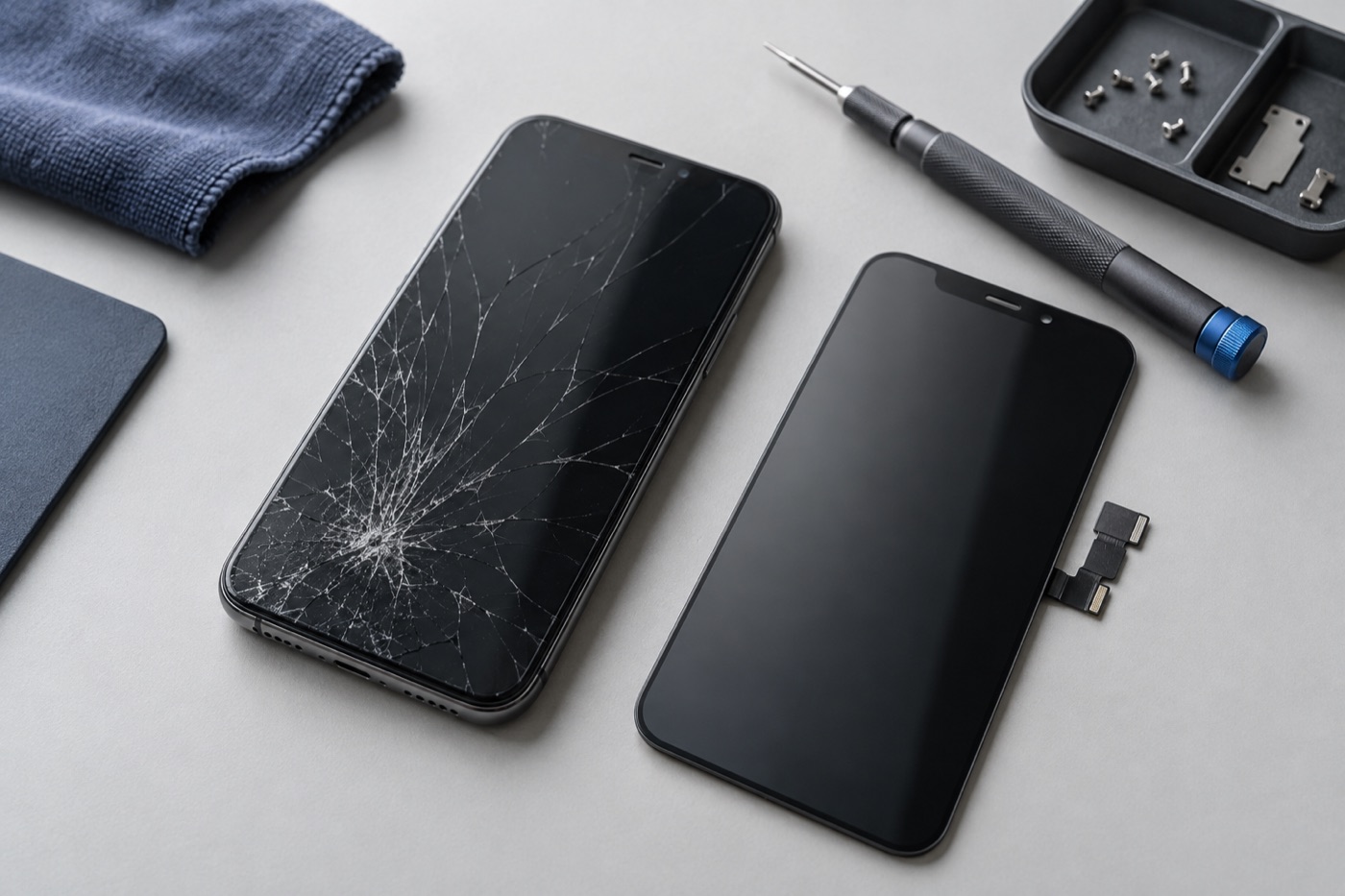
For illustration only
What should you tell us about the damage?
Tell us whether only the glass is cracked or the picture and touch are affected too, along with anything else that isn’t working, like the camera, battery or charging. We factor it all into the price. Booking online? Add these details in the “Anything else we should know?” box.
Which replacement screen will you get?
Replacement screens for the iPhone XS Max aren’t all the same, and some look or work differently from the original. Ask which screen your quote includes and whether it’s the same type as the original, and if there’s more than one option, what each costs and how it compares.
A label like “premium” doesn’t tell you much by itself. Ask how the screen compares with the original on brightness, colour and touch.
Will a new screen fix Face ID or show a repair message?
A new screen won’t fix a Face ID problem by itself, so if Face ID isn’t working, tell us before the repair starts. Some iPhones list replaced parts in Settings, under Parts and Service History, but for the XS Max, Apple says that list only covers the battery, not the screen.
Is the repair worth it?
Ask yourself how much longer you’ll keep the phone, and whether it still runs your apps. If it needs more than one repair, get the total price before you decide and weigh it against the cost of another phone. If you’d rather replace it, we sell phones too, used ones included.
How do you get your phone repaired?
Bring your phone to any of our three Vancouver stores, open 7 days a week. You can walk in or book a repair first. If the phone is still safe to use, back it up before you come, and if the glass is shattered or loose, keep your fingers away from the broken area.
Diagnosis is free. Once we’ve checked your phone and seen which parts are available, we’ll tell you the price and how long the repair should take. Work only starts when you agree, and if we can’t fix it, you don’t pay a repair fee. Our warranty is 3 months on repairs and lifetime on screen work. Terms apply, so ask us what’s covered for your repair before you go ahead.
Get help with your device
See our repair options or send a repair request.
Further reading
Still stuck?
Tell us what you noticed and what you’ve already tried. Visit any of our three Vancouver stores, open 7 days a week. Diagnosis is free, and we agree on the price with you before any repair starts. If we can’t fix it, you don’t pay a repair fee.