iPhone battery draining? What to check
A fast-draining iPhone battery doesn’t always need replacing. Check which apps use the most power, look at Battery Health, install any waiting update and change one setting at a time. If the phone is swollen or the battery still runs out fast, bring it to one of our Vancouver stores for a free diagnosis.
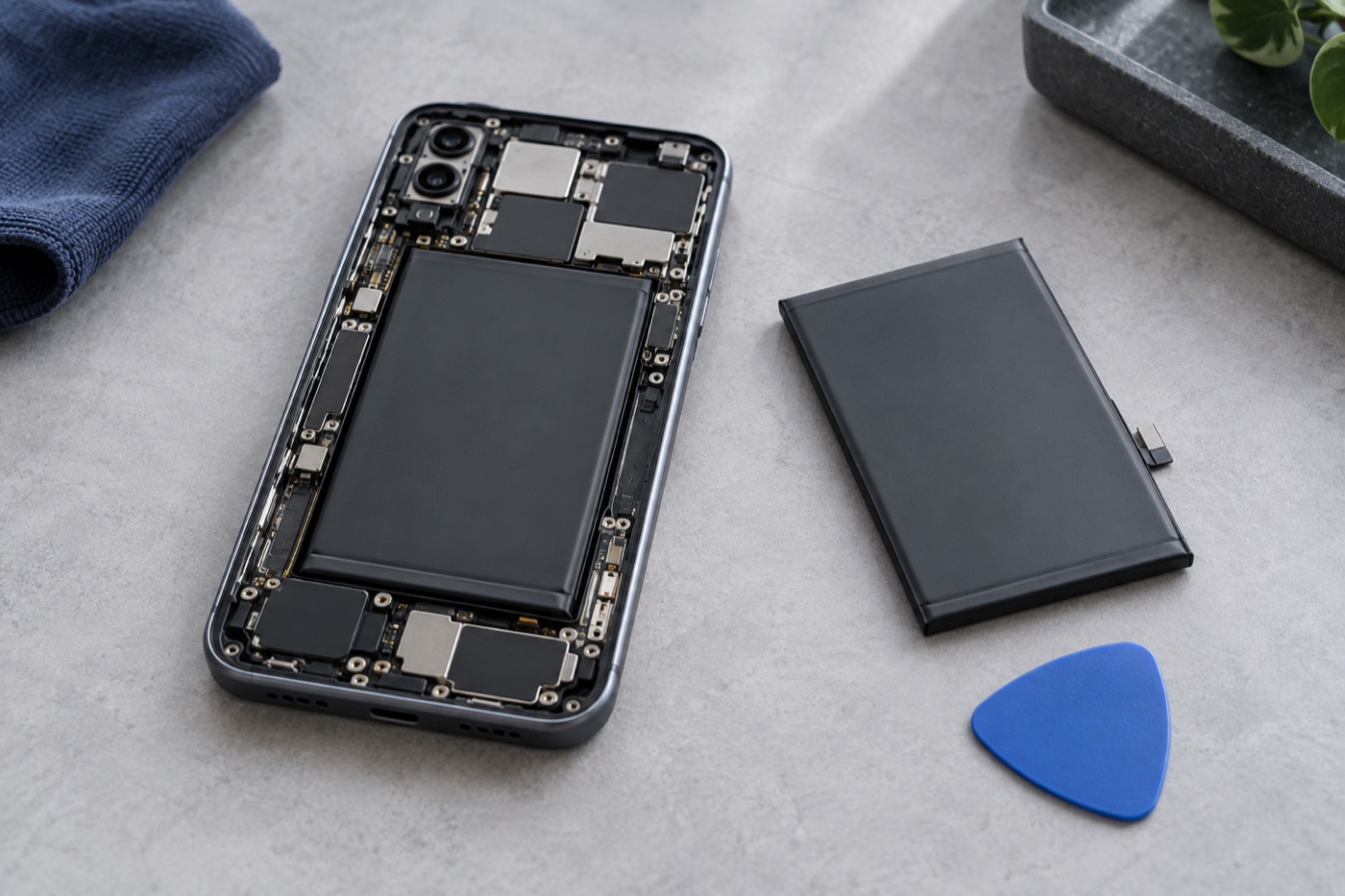
For illustration only
What changed, and what’s using the power?
Start with when the battery began running out sooner. Was it gradual, or right after an update, a new app or a change in how you use the phone? Then open Settings and tap Battery to see which apps used the most power. Look for one you hardly open that still sits near the top.
The app in first place isn’t necessarily the problem, though. It may simply be the one you use most. Jot down what you notice. It helps if you end up bringing the phone in.
What does the Battery Health screen tell you?
Go to Settings, tap Battery, then Battery Health; some models call it Battery Health & Charging. Maximum Capacity shows how much charge the battery holds compared with when it was new, and a lower number can mean fewer hours between charges. If it says the health is significantly degraded, bring the phone in.
The same screen may mention an unexpected shutdown. Those are more likely when the charge is low, the battery is worn or the phone is cold. If yours keeps switching off without warning, bring it in, even if Maximum Capacity looks fine. We’ll find out why.
Which simple changes should you try first?
Install any software update that’s waiting, then restart. Next, check which apps can use your location or run in the background, and switch that off for the ones that don’t need it. Change one thing at a time and use the phone normally for a while, so you know what actually helped.
Leave background access on for apps you rely on, like maps or messaging. Try not to leave or charge your phone somewhere hot, like in direct sun, for long stretches. Apple recommends that to help the battery last longer.
When should you stop and get help?
Stop using and charging the phone if the screen is lifting or the phone looks swollen. Don’t press it flat, puncture it or try to open it, and call any of our stores first. If it’s smoking or catching fire, get away from it and call 911. If the battery just runs out too soon, bring it in.
We’ll find out at a free diagnosis whether the battery is to blame or something else is. If a new battery will help, we’ll check which parts are available, then give you the price and how long the repair should take. Work only starts once you agree. Battery replacements come with our 3-month repair warranty; terms apply.
If the phone is safe to use and isn’t swelling, back it up before you come in. Bring your usual charger and cable too, as long as they’re undamaged, so we can test them. And please don’t put passwords or your passcode in a booking message.
Get help with your device
See our repair options or send a repair request.
Further reading
Still stuck?
Tell us what you noticed and what you’ve already tried. Visit any of our three Vancouver stores, open 7 days a week. Diagnosis is free, and we agree on the price with you before any repair starts. If we can’t fix it, you don’t pay a repair fee.