iPhone won’t turn on? Try these checks
If your iPhone won’t turn on, first check it isn’t wet, hot or swollen. If it’s dry and undamaged, try a force restart for your model, then charge it from a wall outlet for an hour. Still black after that? Stop trying and bring it to one of our Vancouver stores for a free diagnosis.

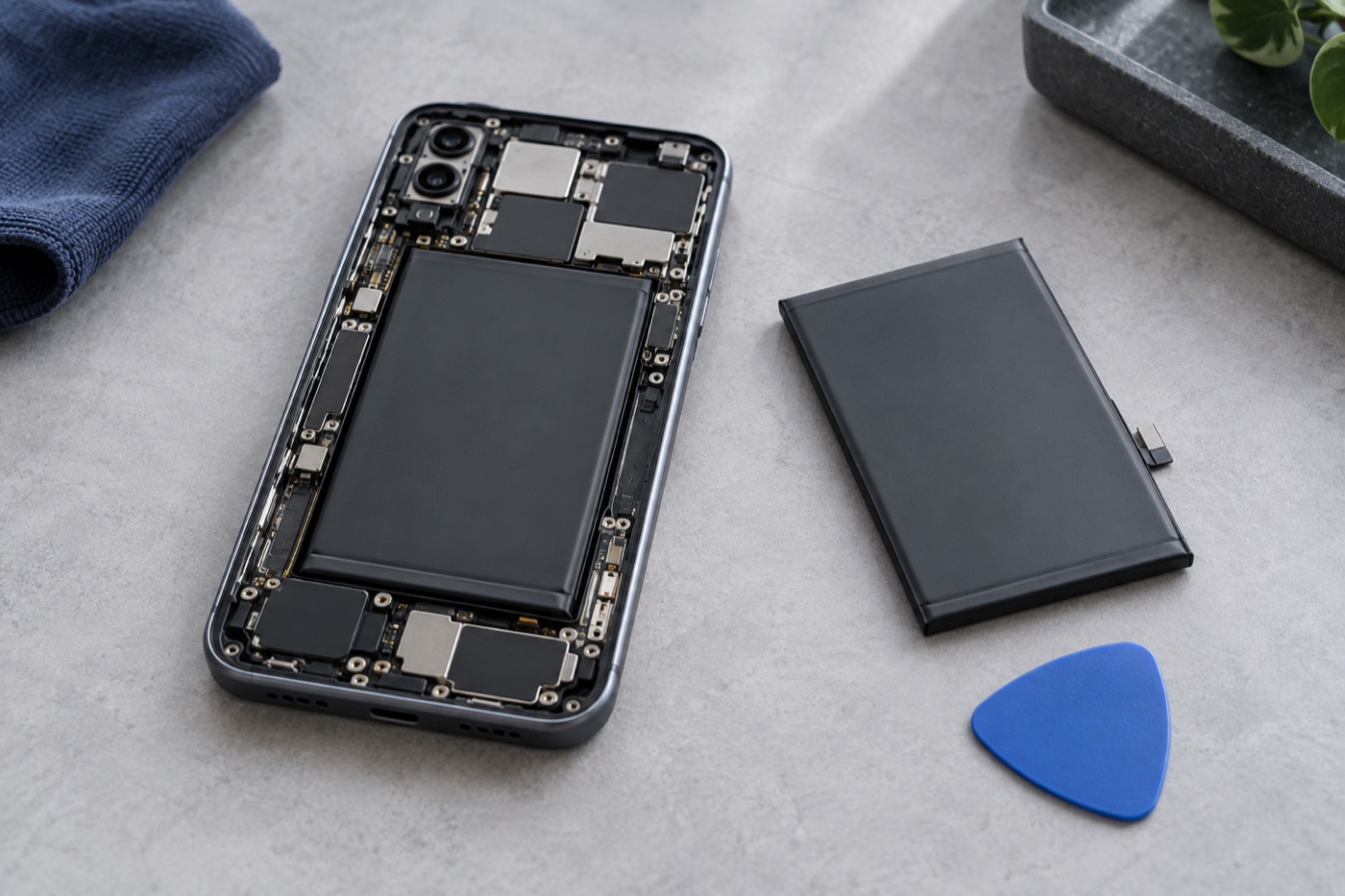
For illustration only
Is the phone wet, hot or swollen?
Check this before anything else. Has the phone been wet? Does it feel unusually hot or look swollen? If so, stop right there: don’t plug it in and don’t keep trying to restart it. Bring it to one of our stores instead, tell us what happened, and we’ll take a look for free.
How do you force restart your iPhone?
On iPhone 8 or later, including iPhone SE (2nd and 3rd generation), quickly press and release Volume Up, then Volume Down. Then press and hold the side button until the Apple logo appears, even if it takes more than 10 seconds. A force restart doesn’t erase or reset anything on the phone.
With an iPhone 7 or 7 Plus, press and hold the side button and Volume Down at the same time. On iPhone 6s or earlier, it’s the Home button plus the side or top button. Either way, keep holding both until you see the Apple logo. Not sure which model you have? Apple’s support site shows the right buttons for every iPhone.
Could it just need charging?
It could. If the phone is dry and undamaged, check the cable and adapter for breaks or bent prongs, and don’t use them if you find any. Plug the phone into a wall outlet with a cable and adapter you know work, wait an hour, then try the force restart again.
See a low-battery symbol? Keep it charging for 30 minutes, or until it turns on. Still black after a restart and an hour on the charger? Time to stop trying and bring it in.
What should you bring for a diagnosis?
Bring the phone and, if it isn’t damaged, its charger. Tell us about any drop or spill and which checks you’ve already tried. Please don’t erase or reset the phone to see if that fixes it, because you could lose your photos and files. If those matter most, say so before any work starts.
Diagnosis is free, and if we can’t fix it, you don’t pay a repair fee. No appointment needed: walk into our Broadway, Kingsway or Fraser Street store. All three are open 7 days a week.
Get help with your device
See our repair options or send a repair request.
Further reading
Still stuck?
Tell us what you noticed and what you’ve already tried. Visit any of our three Vancouver stores, open 7 days a week. Diagnosis is free, and we agree on the price with you before any repair starts. If we can’t fix it, you don’t pay a repair fee.