iPhone rings but the screen is black?
If your iPhone rings or vibrates but the screen stays black, it’s switched on, so the display may be the problem. If the phone is dry, start with a force restart. Don’t press the edges or reset it. If the screen stays black, bring it to one of our three Vancouver stores for a free diagnosis.

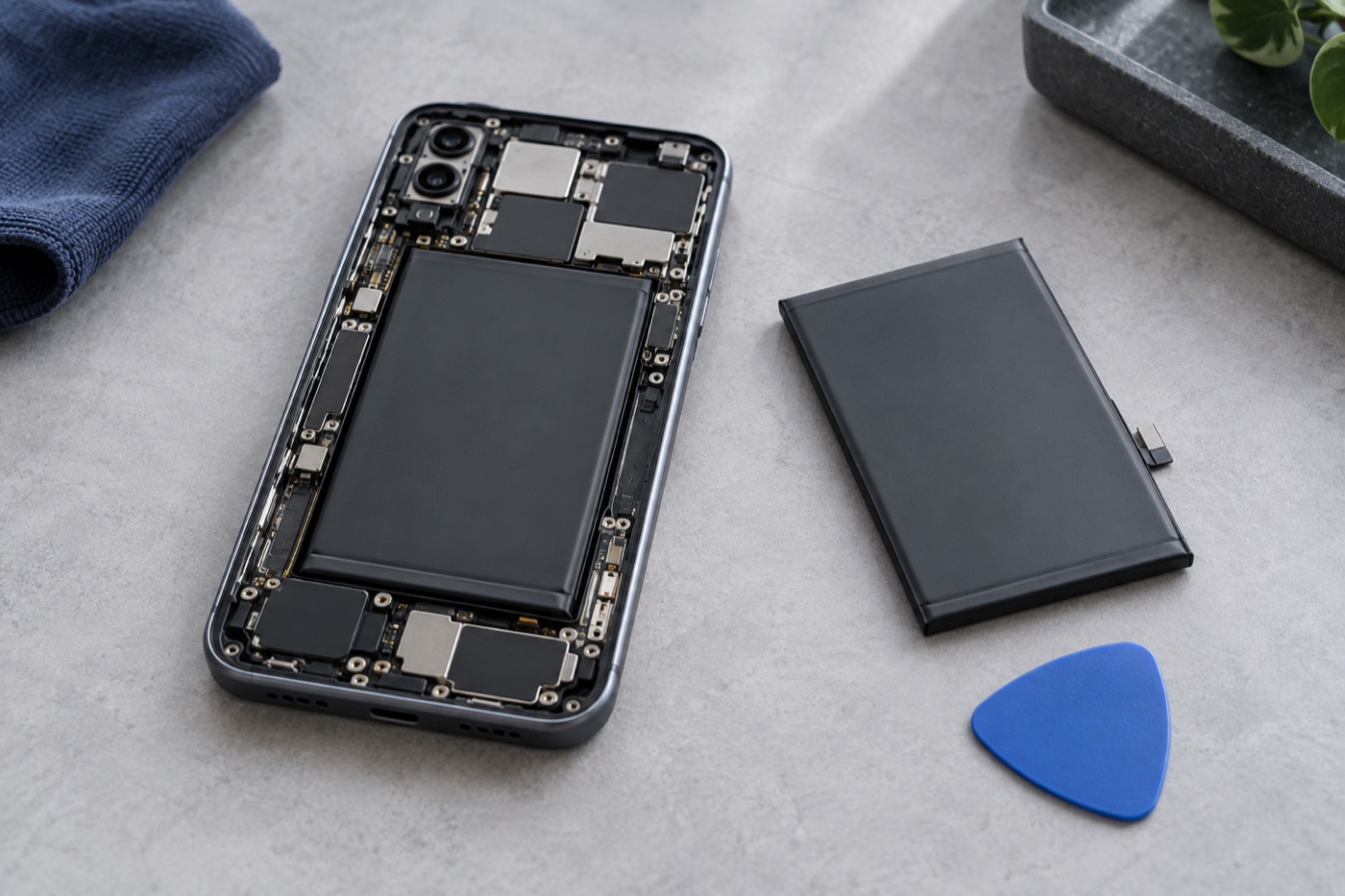
For illustration only
Should you try a force restart first?
Yes, if your iPhone is dry and not swollen. If it still rings or vibrates, it’s switched on, and a force restart doesn’t reset or erase anything. On iPhone 8 or later, press and quickly release volume up, then volume down, then press and hold the side button until the Apple logo appears.
Got an iPhone 7 or 7 Plus? Hold the side button and volume down together until you see the Apple logo. For iPhone 6s or earlier, hold the Home button and the side or top button at the same time. Not sure which model you have? Ask us, or just bring it in.
What should you avoid?
Don’t press around the edges, bend the phone or open it up to look inside, because any of those can make the damage worse. If the screen is still black after the restart, stop there and let us check it. Don’t reset or erase it to see if that helps, especially if you need your photos.
Worried about your photos and files?
If iCloud Backup was turned on before this happened, your phone may keep backing up by itself. For that it needs power, Wi-Fi, a locked screen and enough iCloud storage. With the screen black, though, you can’t see whether a backup finished, so don’t count on it.
Never plug in a wet or swollen phone just to attempt a backup. If you know when you last backed up, tell us. And if your photos and files matter more to you than the repair, say so before we start any work.
What happens when you get it checked?
Tell us if the screen went black after a drop or a spill, or showed lines first, and what still works, like ringing or vibrating. After a free diagnosis, we walk you through your repair options, the price and how long it should take. Work only starts once you agree.
Just walk into any of our three Vancouver stores. We’re open 7 days a week, and you don’t need an appointment. Can’t make it in? Ask us about mail-in repair. Before you send anything, we’ll confirm it suits your phone and go over shipping and costs.
Get help with your device
See our repair options or send a repair request.
Further reading
Still stuck?
Tell us what you noticed and what you’ve already tried. Visit any of our three Vancouver stores, open 7 days a week. Diagnosis is free, and we agree on the price with you before any repair starts. If we can’t fix it, you don’t pay a repair fee.