Common phone problems: what to try first
Most common phone problems have a simple first check: try another cable and charger, turn the volume up and disconnect Bluetooth, look at your storage, and see whether other devices can join the same Wi-Fi. If your phone is wet, swollen or hot, stop using it and don’t charge it. Then bring it in.

For illustration only
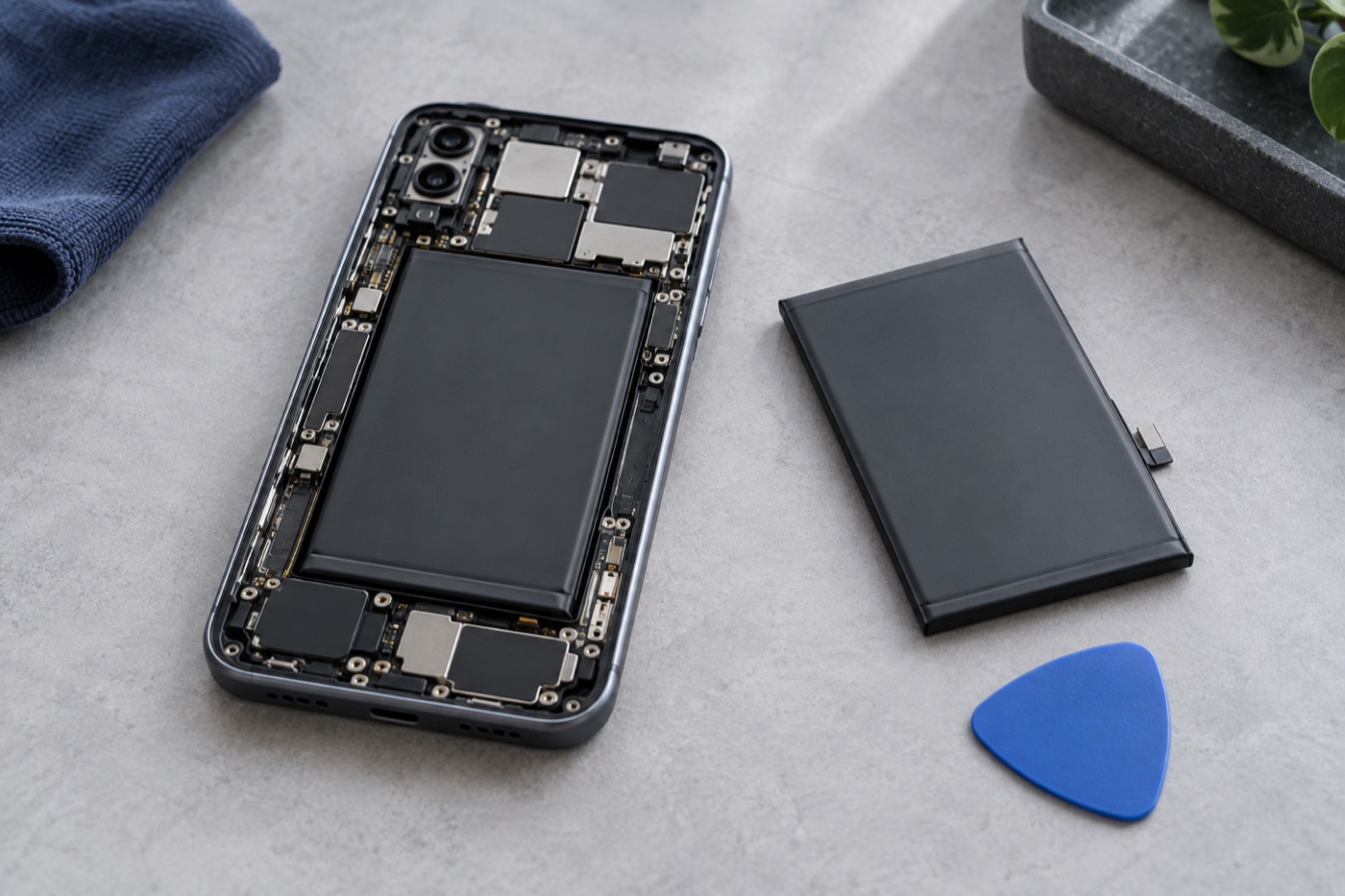
What if your phone won’t charge or drains fast?
If it’s dry and undamaged, start with the cable and charger. Don’t use any that are frayed, broken or have bent prongs. Try a compatible cable and charger you know work, plug in firmly and restart the phone. Never force a loose connection or push anything into the charging port.
Still no luck? Pick “Won’t charge” or “Battery drains fast” on the booking form.
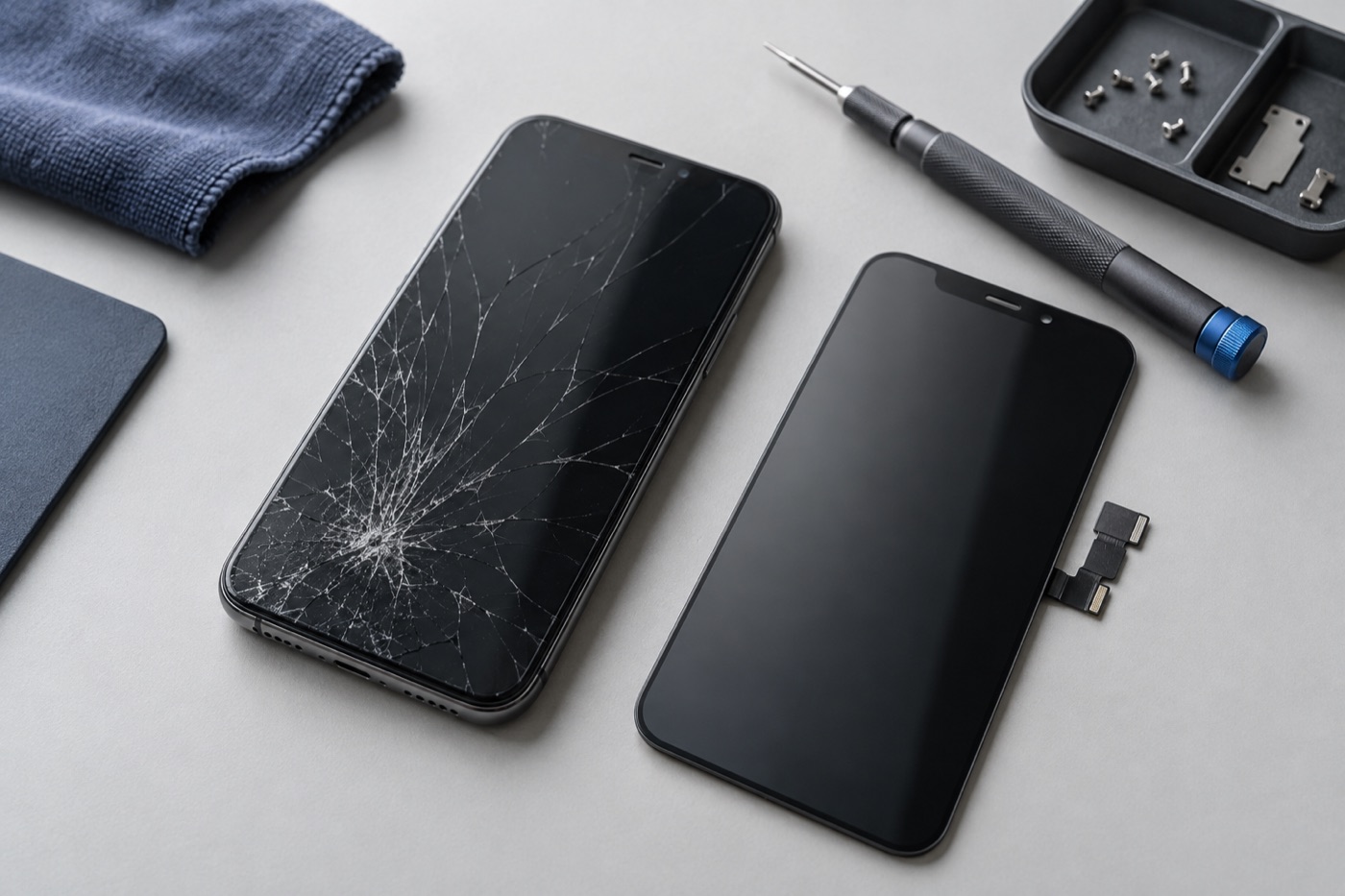
What if the screen is cracked or won’t respond?
Keep your fingers off cracks and loose glass, because broken glass cuts. When you book or come in, describe what you see: lines, spots that don’t respond to touch, or a black screen while the phone still rings. That helps us check the right part. Our screen work has a lifetime warranty, terms apply.
What if callers can’t hear you, or the sound stops?
Turn the volume up, then check that no headphones or Bluetooth devices are connected, because the sound may be going there. Notice whether it happens only on calls, in voice recordings or in one app. A short voice recording is a handy example to show us. Then book a repair and choose “No sound / mic problem”.
What if apps are slow or storage is full?
Look at your storage settings to see what takes up the most space. Before you delete or reinstall an app, back up anything saved in it, and make sure you know its account password so you can sign back in. A restart or a waiting software update may help too. Still slow? Choose “Software or storage” when you book.
What if Wi-Fi or mobile data won’t connect?
Check whether other phones or laptops can join the same Wi-Fi. If they can’t either, the network is probably the problem, not your phone. For calls or mobile data, contact your carrier first to rule out an account or network issue. Before resetting network settings, check what saved information the reset will wipe.
Still stuck? Bring it in for a free diagnosis and we’ll explain your options.
What if your phone got wet, swelled or overheated?
Stop using it and don’t charge it. Don’t dry it with a heater or hair dryer, press on it or keep restarting it, and skip the rice, because small bits can get inside. Let a wet phone sit somewhere dry with some airflow, and call or visit one of our stores for advice before you charge it again.
How do you bring your phone in?
Walk into any of our three Vancouver stores, on Broadway, Kingsway or Fraser Street, with no appointment. All three are open 7 days a week. If your phone is dry and safe to use, back up your photos and files first. Not sure which repair you need? Choose “Not sure — please diagnose” when you book online.
Diagnosis is free, work only starts once you agree to the price, and if we can’t fix it, you don’t pay a repair fee.
Get help with your device
See our repair options or send a repair request.
Further reading
Still stuck?
Tell us what you noticed and what you’ve already tried. Visit any of our three Vancouver stores, open 7 days a week. Diagnosis is free, and we agree on the price with you before any repair starts. If we can’t fix it, you don’t pay a repair fee.