Galaxy camera problems? Try these checks
Blurry photos, a black preview or a camera error on your Samsung Galaxy? Clean the camera glass, restart the phone and install updates, then test the camera in another app. Samsung suggests clearing the Camera app’s data before anything drastic. If it started after a drop, bring it in for a free diagnosis.
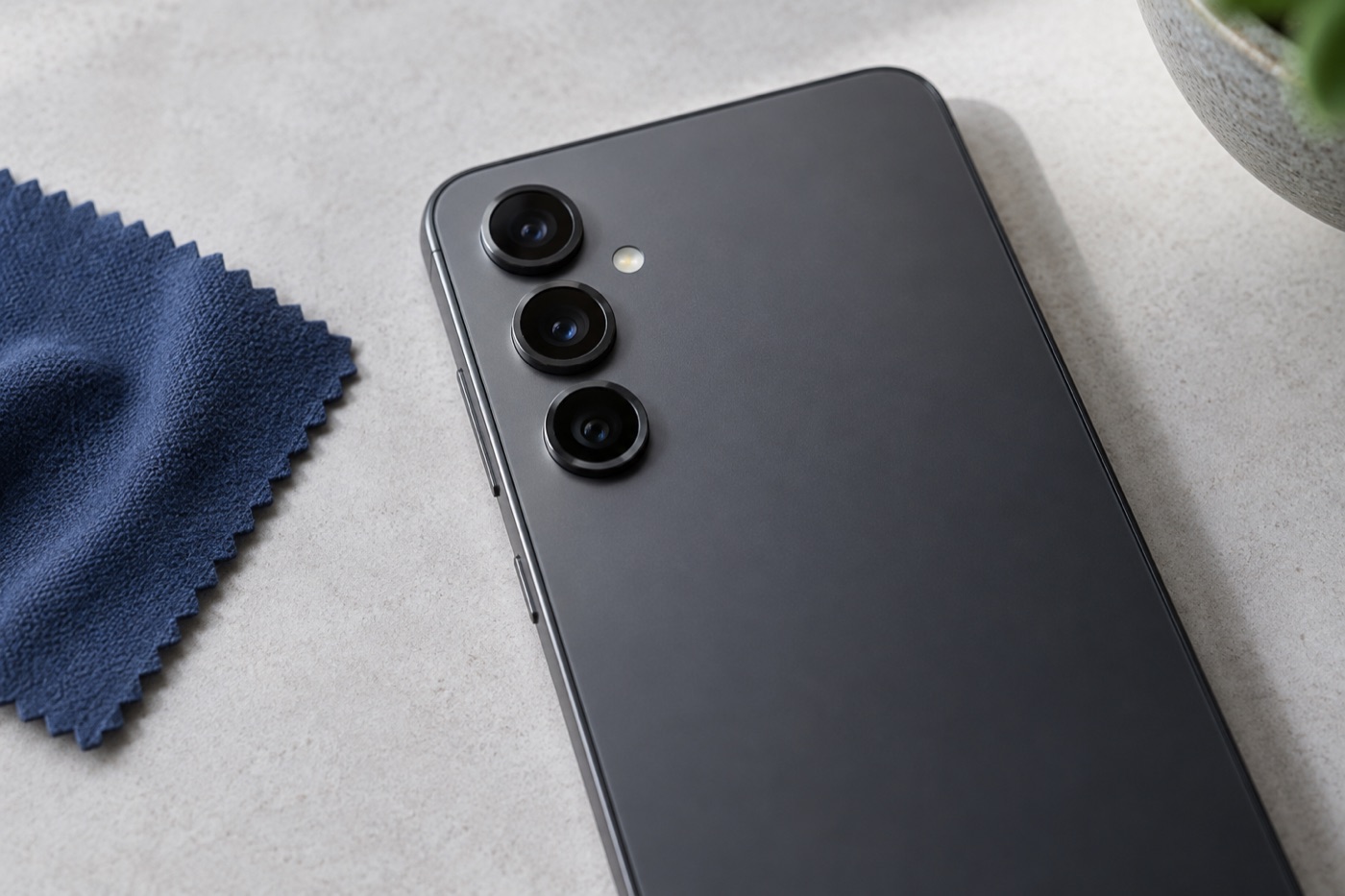
For illustration only
Is the camera glass clean and undamaged?
Start there. Remove the case and anything covering the camera. If the glass is cracked, don’t wipe or press on it. If it isn’t, wipe it gently with a soft, dry cloth, because one smudge can make photos look hazy. Then note which camera is affected, at which zoom, and in photos, video or calls.
Those notes help us if you end up bringing the phone in.
Have you restarted and updated the phone?
Close the Camera app completely and restart the phone, which alone can clear a temporary camera glitch. After that, install any system and app updates that are waiting, and try the camera again. One exception: if the phone got wet, skip the restart and bring it straight in to one of our stores.
Which app checks should you try?
Open a different app you already use that takes photos or video, and pick the same camera. If the problem shows up there too, the fault is more likely the camera than the app. If the Camera app won’t open or shows an error, Samsung suggests clearing its data under Settings, Apps, Camera, Storage.
Menu names can differ a little by model. According to Samsung, clearing the data resets the camera settings to their defaults without deleting your photos or videos. Whatever you do, don’t start with a factory reset. It erases everything on the phone.
Got the Samsung Members app? It can test the camera for you. Open it and tap Support, then Get started, then Camera.
Is a rattle normal, and when should you get help?
On some Galaxy phones, a slight rattle with the camera off is normal. Samsung says it comes from the part that keeps photos steady and isn’t a defect. Have it checked if the rattle started after a drop, or if photos turned blurry, the preview shakes or the camera stopped working.
The same goes for cracked camera glass, or a problem that just won’t go away. Diagnosis is free. We check the glass, test the camera and explain your repair options before any work starts. If the phone is safe to use, back up your photos and videos before you come in.
Get help with your device
See our repair options or send a repair request.
Further reading
Still stuck?
Tell us what you noticed and what you’ve already tried. Visit any of our three Vancouver stores, open 7 days a week. Diagnosis is free, and we agree on the price with you before any repair starts. If we can’t fix it, you don’t pay a repair fee.